
Our Blogs
-

ALL STAR MEDIA hires Scoreduino CRICKET SCOREBOARD For Bangladesh Cricket League (BCL)
On
ALL STAR MEDIA hired SCORE-C Scoreduino based digital CRICKET SCOREBOARD for Bangladesh Cricket League (BCL) 2023 matches. There are three matches held every Sunday at Cathrine Park Community Centre Cricket ground.The Scoreboard has helped the cricketers see their LIVE scores on the displays. The ‘Scoreduino- LIVE app’ gets LIVE scores directly from cricclubs.com website and
-

How to load the Cricket Scoreboard into your car
On
STEP 1: Tie the foldable Label Board to the RIGHT handle. STEP 2: Load the Scoreboard on to a trolley STEP 3: Load the Scoreboard gently into your car keeping the front acrylic screen on top. STEP 4: Make sure the Scoreboard does not wiggle. Keep it fixed.
-
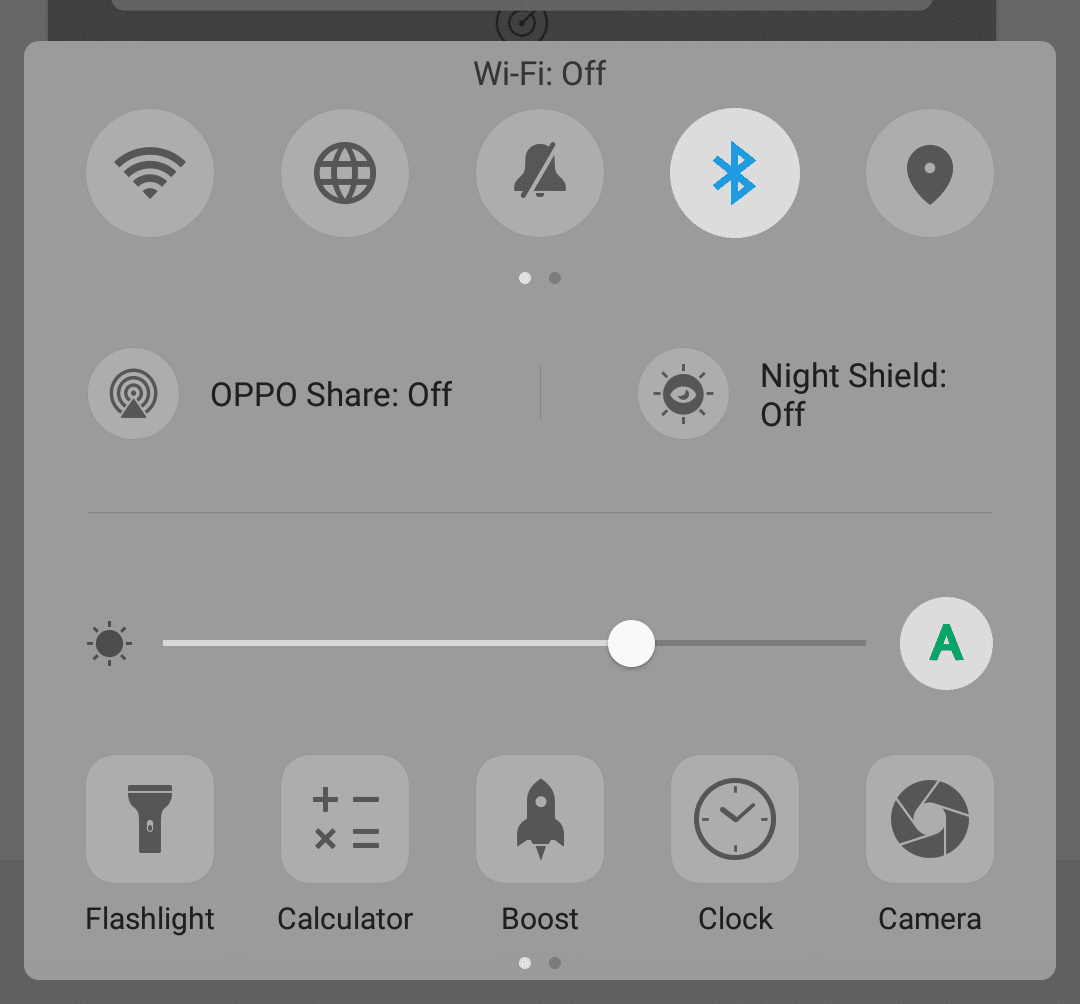
How to pair Bluetooth module
On
Step 1: Go to your phone settings and turn on the Bluetooth. Step 2: Turn on the scoreboard and make sure the Bluetooth module’s LED is flashing. Step 3: On the Bluetooth settings page, search Bluetooth with the name ‘SCOREDUINO’ and pair it up using code: 1234. Step 4: Open the app and press CONNECT.
-
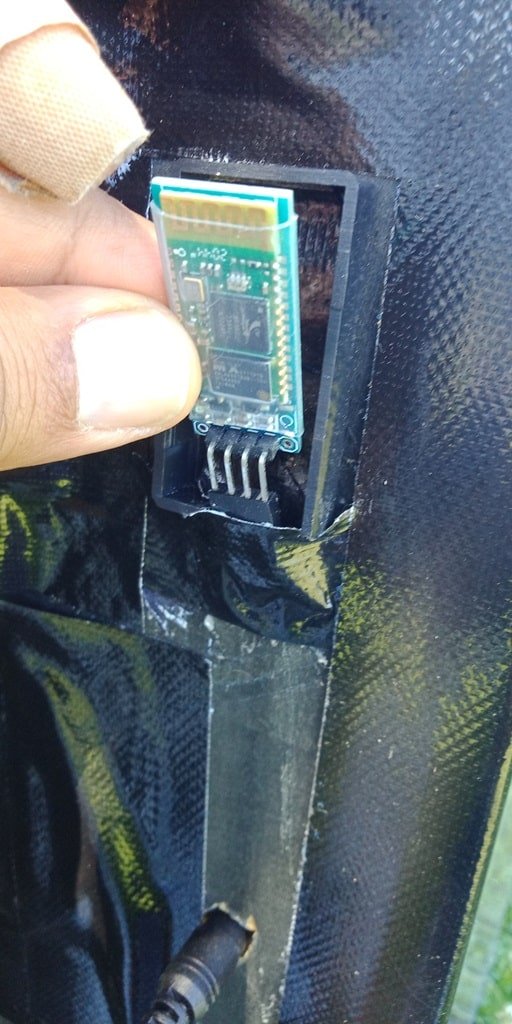
How to replace the Bluetooth module
On
Step 1: Turn off the scoreboard. Step 2: Remove the Bluetooth module Step 3: Insert the spare Bluetooth module into the 4 pins header as shown below. The module should be inserted exactly as you see on the image.
-

How to use the app for Cricket Scoreboard
On
Download the SCOREDUINO CONTROLLER app or SCORE-C LIVE app for CRICCLUBS and PLAYHQ matches. For cricclubs and playhq matches, you should see live scores on the screen as soon as the given match ID is entered. Connect Bluetooth: Go to your phone settings and turn on the Bluetooth. Turn on the scoreboard and make sure
-

How to move the Cricket Scoreboard
On
STEP 1: Turn off the scoreboard. Pull the adapter plug. STEP 2: Carry the Scoreboard holding the handle. There are two handles on each side of the scoreboard. Two people should carry the scoreboard. There is a SUNLIGHT SENSOR (A solar module) placed on top of the Scoreboard to detect the sunlight. If the scoreboard
-

How to use the Cricket Scoreboard with 10 inches displays
On
STEP 1: TURN ON THE SCOREBOARD STEP 2: PAIR THE PHONE’S BLUETOOTH TO SCOREBOARD’S BLUETOOTH. PAIR CODE: 1234 STEP 3: OPEN THE SCORE-C LIVE OR SCOREDUINO CONTROLLER APP. STEP4: PRESS CONNECT BUTTON AND CONNECT TO ‘SCOREDUINO’. STEP 5: ENTER YOUR MATCH ID AND PRESS ‘Get LIVE Score’. FOR SCORE-C LIVE, THE LIVE SCORE
-

-
How to troubleshoot Scoreduino Cricket Scoreboard
On
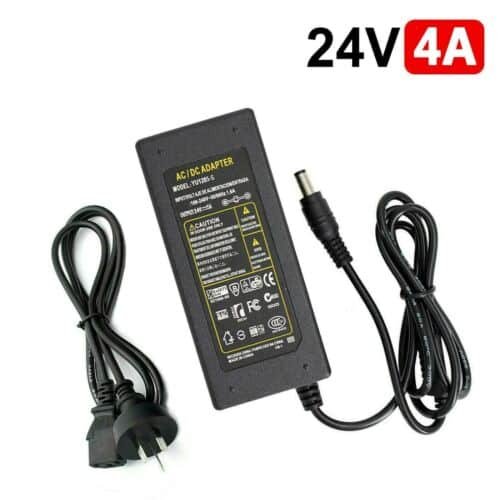
Turn off the Scoreboard and turn it back again. REPLACE THE POWER ADAPTER. It should be replaced after each inning. Each club gets 2 sets of power supply adapters. CHECK THE BLUETOOTH MODULE. If the RED LED is not flashing, you NEED TO REPLACE IT. After replacing the Bluetooth module, YOU NEED TO PAIR IT